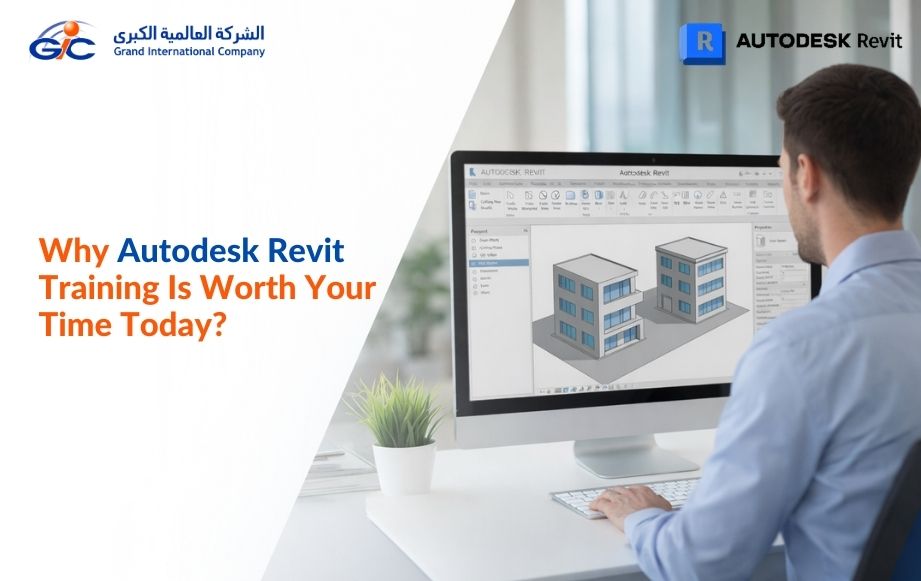

You’ve probably seen this already—design basics alone don’t take you far anymore. Today, Autodesk Revit Training helps you step into real projects with clarity, not confusion. You don’t just learn tools; you understand how teams design, coordinate, and deliver buildings in real-time.
When you work in Kuwait, Qatar, or anywhere across the GCC, you need to be ready right from day one. Companies expect you to contribute, not struggle through the basics. When you learn the software the right way, you avoid mistakes, save time, and work with confidence.
That’s where Grand International Company (GIC) becomes a trusted learning partner. They train you with a practical approach, focusing on how Revit is used in real projects. You don’t guess your way through tasks.
What is Autodesk Revit Training?
So, What is Autodesk Revit Training?
Revit is mainly used by architects, civil engineers, MEP engineers, and even interior designers. Anyone involved in planning, designing, or executing a building project can use it. You’ll see it is used in residential buildings, commercial spaces, hospitals, airports—almost every modern construction project today.
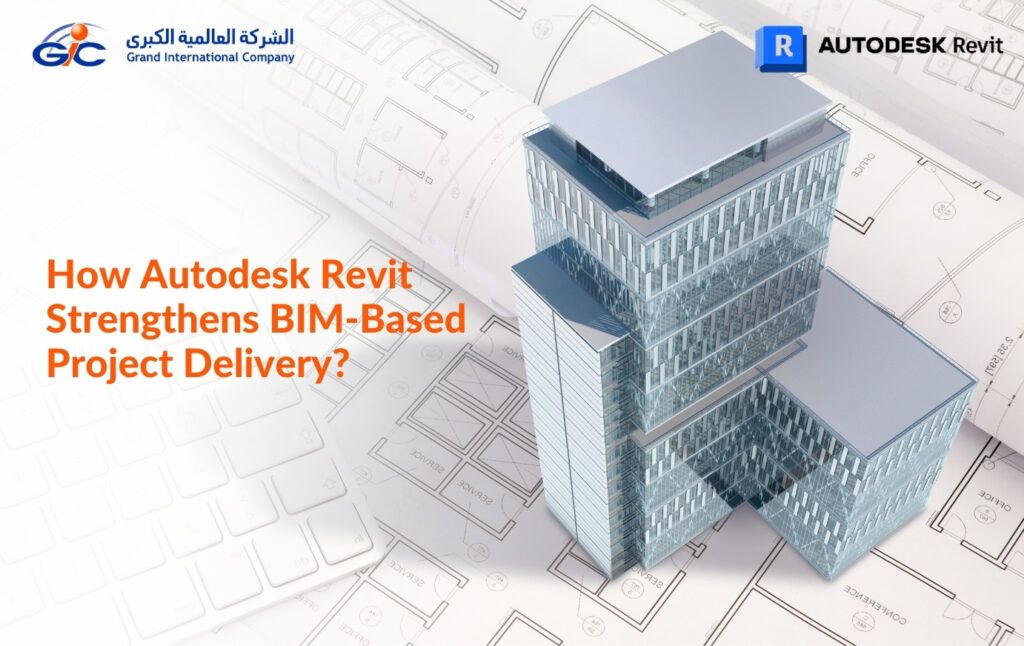
What makes it different is how it works. Instead of creating separate drawings, you build one model. From that, all drawings come out. If an architect adjusts a layout or an engineer shifts a service line, the changes reflect across the project. That’s why teams prefer it.
Now, here’s the issue many companies face. Someone might say they know Revit, but when they join a project, things don’t go smoothly. Files become heavy. Drawings don’t match. Small edits take too long. This usually comes down to how they learned it. Basic training often skips how projects actually run.
Good training feels different from the start.
You learn how to set up a model properly, how teams share work, and how to avoid common slip-ups. For example, placing elements the right way so others don’t struggle later.
That’s what companies in places like Qatar or Kuwait really look for—people who can step in and work without slowing things down.
What are the Benefits of Good Autodesk Training?
A good training doesn’t just teach software. It changes how you approach work.
- You grow faster in your career – With the right exposure, you don’t stay at entry level for long. Companies trust people who can handle real project work without constant support. You start taking ownership of tasks much earlier than expected.
- Your skills actually show – Anyone can say they know Revit. But proper learning proves it through the way you work—clean models, fewer errors, better coordination. People notice it in your output, not just your resume.
- You work quicker, with less stress – When you understand workflows, you stop second-guessing. Tasks get done faster. Mistakes reduce. Deadlines feel manageable. It gives you a sense of control over your workday.
- You get real project exposure – This is where most basic courses fall short. Good programs—often guided by Autodesk resellers or Autodesk training partner teams—show you how things run on actual sites. You begin to see how your role fits into the bigger picture.
- It feels different from college learning – A professional course—especially from an Autodesk authorized training center or a trusted Autodesk learning center—focuses on industry practice, not theory. You learn what companies actually expect, not just textbook steps.
- You stand out in competitive markets – In places like the GCC, especially with Autodesk training in Kuwait and options like an AutoCAD course in Qatar, companies look for people who are ready from day one. Being prepared gives you a clear edge during hiring.
- You become industry-ready – Not just software-ready. You understand standards, coordination, and expectations. That’s what makes the real difference. You step into projects without feeling lost.
- You understand the software from all sides – You don’t just model—you also learn documentation, coordination, and project setup. This helps you handle different roles within a project when needed.
- You gain exposure to industry-level standards – Good training often connects you with experts from Autodesk Gold partners in Qatar, giving you insight into real project expectations. So you don’t struggle to adapt when you join a company.
- You build confidence to handle live projects – Instead of hesitating, you start making decisions based on what you’ve learned. That confidence shows in meetings and team discussions.
- You connect with professionals in the field – Training environments often bring you closer to trainers and peers already in the industry. These connections can open doors later on.
- You stay relevant as the industry evolves – Construction and design keep changing, and tools keep updating. Proper training helps you keep up, rather than fall behind.
Who Needs Autodesk Training?
Not just one group. You’ll see people from different roles picking this up, mostly because their day-to-day work now depends on it.
- Students (Architecture, Civil, MEP) – If you’re still studying, this gives you a clear edge. You won’t feel out of place when someone brings up real project work.
- Architects – You move from rough ideas to proper drawings in one place. It also makes coordination with engineers less messy.
- Civil Engineers – Layouts, quantities, basic planning—everything feels more organised. You spend less time fixing things later.
- MEP Engineers – Services don’t clash as much when you can see everything together. It saves a lot of back-and-forth during execution.
- Interior Designers – You can plan spaces better and explain ideas without confusion. Clients understand what you’re trying to show.
- Draftsmen & BIM Modelers – This is already part of your work. Knowing it well just makes your job smoother and faster.
- Working Professionals – Thinking of shifting roles or upgrading? This helps. You don’t have to start over—you just build on what you know.
- Project Managers – Even a basic idea of the software helps during discussions. You can follow what the team is doing without guessing.
Career opportunities after Autodesk Revit Training
Thinking about what comes after learning Revit? Good news—you’re not limited to just one path. It opens doors in design, engineering, planning, even teaching. Here’s how it usually plays out in real life.
- Architectural Designer – If you enjoy shaping spaces, this feels natural. You’ll create 3D building designs, test ideas, and present them to clients. Revit makes it easy to show “this is how it will look” instead of just explaining it.
- BIM Coordinator / Specialist – This role is more about control than creation. You make sure all project models are accurate and updated. You’ll work with different teams, fix clashes, and keep everything running smoothly behind the scenes.
- Structural Engineer – Here, it’s all about safety. You design the structure—beams, columns, load systems. Revit helps you see how everything connects before anything is built. Less guesswork. More confidence.
- MEP Engineer – Not the most visible job, but one of the most important. You’ll handle air conditioning, wiring, plumbing—basically what makes a building usable. Revit helps you plan these systems without conflicts.
- Interior Designer – Love working with spaces inside? This is your zone. You can experiment with layouts, materials, and finishes. Clients can actually see the outcome before execution.
- Construction Manager – If you prefer being on-site and managing people, this fits. You use Revit models to understand the project, solve issues early, and keep timelines and budgets under control.
- Urban Planner – Think bigger—cities, not just buildings. You’ll design layouts for neighborhoods, roads, and public spaces. Revit helps you visualize how everything fits together.
- Revit Technician / Drafter – This is where ideas become detailed drawings. You prepare precise plans that contractors follow. It needs accuracy, but it’s a solid and steady role.
- Visualization Specialist – If you enjoy the creative side, this is fun. You turn models into realistic images or walkthroughs. Perfect for presentations and client approvals.
- Trainer / Instructor – Once you’re confident, you can teach. Many professionals move into training because there’s always a demand for skilled Revit users.
- Quantity Surveyor – Numbers matter here. You estimate materials, costs, and budgets. Revit helps you get accurate quantities without manual calculations.
So, what does it all mean for you?
Revit doesn’t lock you into one career. It gives you options.
You can design.
You can manage.
You can analyze.
Or even teach.
And yes—pay usually grows with your skills and experience. The better you get, the more valuable you become.
If you’re consistent with practice, this isn’t just another course. It can quietly reshape your entire career path.
Authorized Autodesk training center in Qatar
GIC (Grand International Co.) is an Autodesk-authorized training center in Qatar. That means the courses, trainers, and learning approach all meet Autodesk’s global standards. Whether you’re a student starting or a professional upgrading skills, GIC keeps the learning practical and career-focused.
Why Choose Us?
It’s not just about learning software here. It’s about learning how the industry actually works.
- Authorized & trusted – You’re learning from a certified ATC with globally aligned training.
- Courses for every level – Beginner or experienced—there’s a clear path for you to grow.
- Real-world approach – You don’t just learn tools. You learn workflows, best practices, and how projects actually run.
- Interactive training – Doubts? You ask. You practice. You get feedback. Simple as that.
- Globally recognized certification – Adds real weight to your resume.
- Ongoing support – Even after training, you stay connected through resources, webinars, and guidance.
- Career-focused training – The goal is clear—help you become job-ready, not just course-ready.
Courses We Offer
From design to engineering tools, GIC covers a wide range of Autodesk programs.
Each course is built to match industry needs, not just theory. You’ll work on real scenarios. Real projects. The kind you’ll actually face at work.
Explore more: https://gicmiddleast.com/training/
Learning Autodesk tools can open doors.
But learning it the right way? That’s what makes the difference. With the right guidance, practice, and support, you don’t just finish a course—you step into real opportunities.
FAQs
A. Students, fresh graduates, and working professionals—anyone looking to build or upgrade skills.
A. Yes. You’ll receive an Autodesk-recognized certification after completion.
A. Mostly practical. You’ll work on real-time projects and scenarios.
A. Yes. You’ll have access to continued learning resources and guidance.
Thinking of building a career with Autodesk tools?
Choose your course now!